
Audio Encoder is a free audio extractor that encodes and saves the audio stream of almost any kind of video file into WAV, MP3, AAC, WMA, FLAC, M4A, or AC3. Likewise, you can use this program as an audio transcoder, allowing you to convert any of the supported audio files into any other of the accepted codecs.
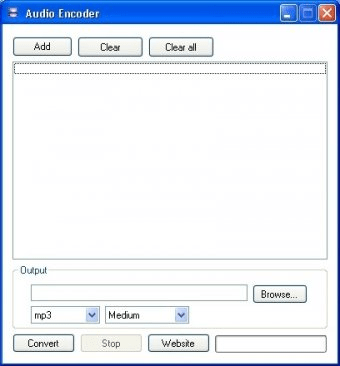
The interface provided is simple and intuitive, suitable for all kind of users. You can load as many video and audio files as you wish, regardless of their format, and let the program extract and/or transcode them into the audio codec of your choice. However, this batch functionality does not allow you to perform conversions of multiple files to different audio codecs, so every change in the output format will require you to perform a new conversion process.
The quality of the output audio can be easily customized. To make it easier for non-technical users, bitrates, kbps values, and compression rates have been substituted by simpler quality settings, ranging from “Very high” to “Very low”. Only when “Custom” is selected you are allowed to set up your preferred output bit rate. Both performance speed and audio quality are of a high level.






Comments (1)